
The short answer
A wedding QR code is a link guests scan on their phones to open a page for submitting photos and messages. It works best when it is clearly displayed at the celebration and uploading does not require an app download.
MemoriesQR connects that flow to your event page and controlled sharing of approved photos, so you do not need to chase memories across dozens of conversations after the wedding.
Why guest photos are easy to miss
Professional photos matter, but guests capture reactions at tables, unexpected dances and candid details that one photographer cannot always see.
When photos are requested later through separate chats, people forget or are unsure where to send them. A visible QR code gives everyone the same clear route while the event is happening.
What a simple QR flow looks like
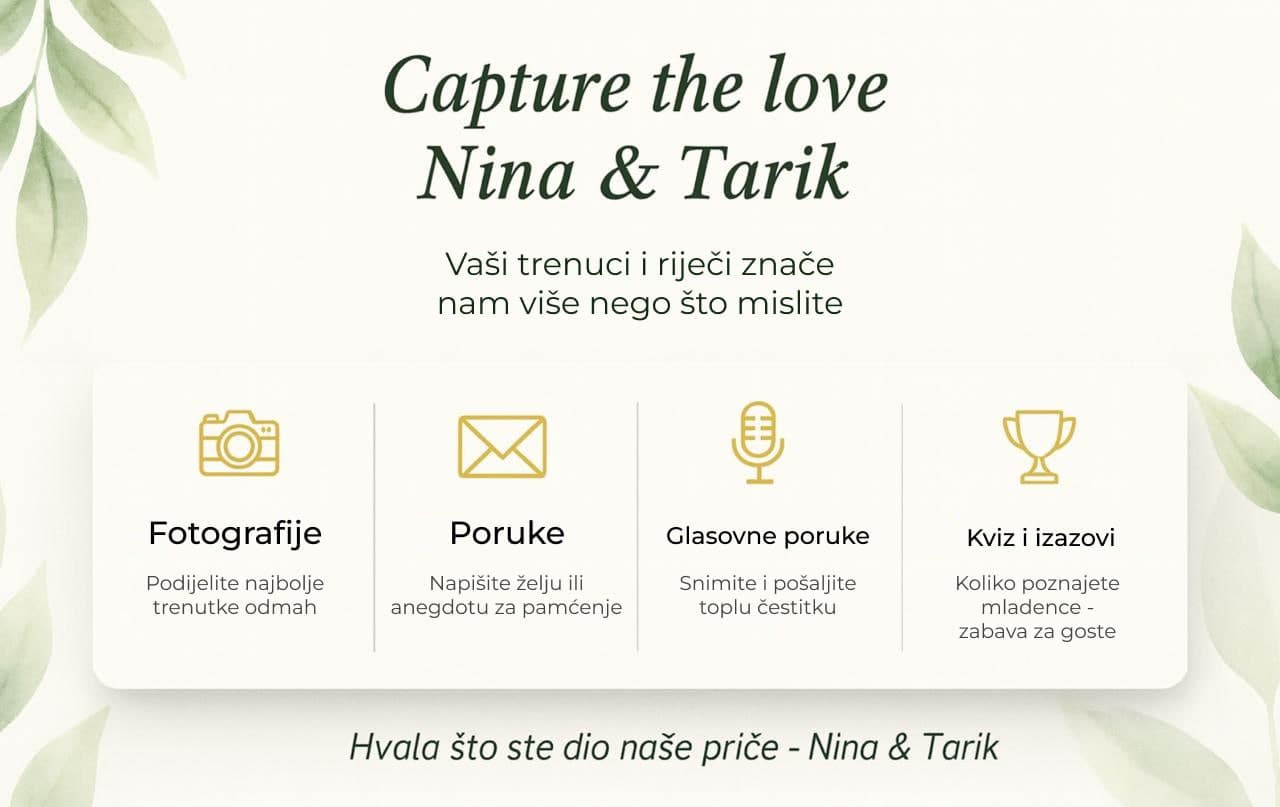
Before the wedding, prepare your event page and printable QR material. During the celebration, a guest scans the code with their phone camera, opens the browser page and chooses a photo, video memory or message to share.
- Display the code somewhere guests naturally pause: a table, welcome sign or photo area.
- Use one direct line, such as: Scan and share your favorite moment from today.
- Repeat the invitation in a large venue so guests do not need to search for it.
Privacy and gallery sharing
Submitting a photo and viewing the gallery are separate decisions. You can keep uploading easy while deciding how approved images are shared through your event settings.
Before printing your QR material, decide whether you are collecting memories only or also inviting guests to view selected photos.
What to test before the wedding
Test the printed code on two different phones and ask someone who did not set up the page to submit a sample photo. If the flow makes sense without explanation, it will be easier for guests during the celebration.
Give every guest moment a place to arrive
See how a QR page collects photos and messages without requiring an app download.